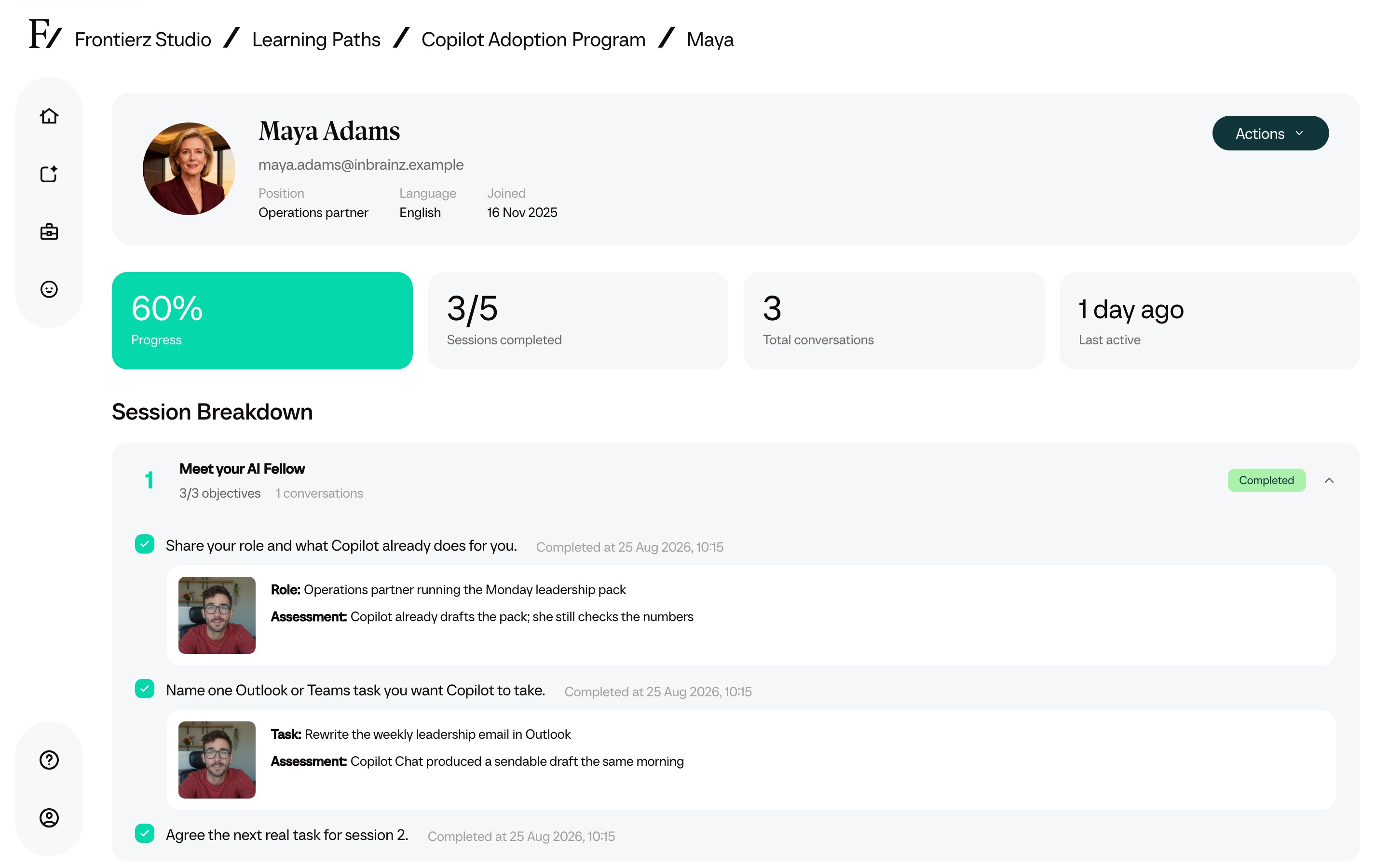
One person’s record: sessions completed, the task they chose, and the AI Fellow’s assessment of the session objectives.

Learning Path
Help employees use Copilot in their everyday work. Each person gets an AI Fellow and personalized live sessions built around their role and tasks, while L&D can review progress and the use cases people discover.

Built by the team behind Founderz, Microsoft’s Worldwide Training Partner for AI, with more than 700,000 people trained. Read our story →
Overview
Organizations introducing Copilot or helping existing users apply it more confidently to their everyday work.
Employees need time to try Copilot on their own tasks, ask questions and check its answers. L&D needs to understand which uses are useful and where people need more support.
This path gives every employee their own AI Fellow and live sessions on their own tasks, and gives L&D a record of what each person practiced and which use cases they explored.
A new kind of delivery
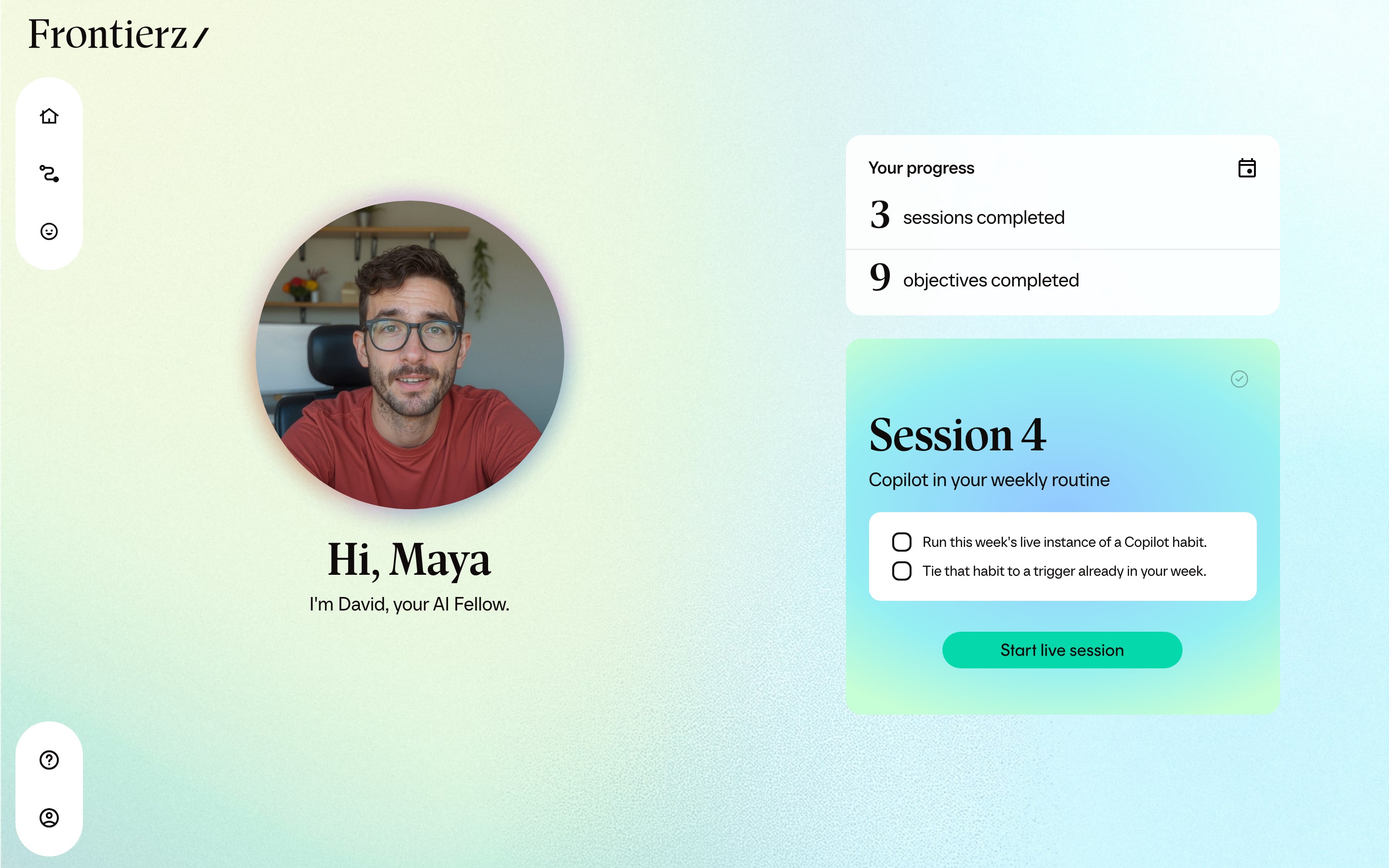
The learner works through a task in a live conversation with their AI Fellow. They can ask a question, try an approach and get guidance as they go.
The first session captures their role and previous AI experience. After that, the AI Fellow will personalize each session around their tasks and technical level.
Alongside the Learning Path, learners can return to their AI Fellow to ask questions, explore an idea or practice applying Copilot to another task.
The path works with Copilot Chat included in eligible Microsoft 365 subscriptions, or with a paid Microsoft 365 Copilot license. We adapt practice to the features and policies available in your organization.
Curriculum
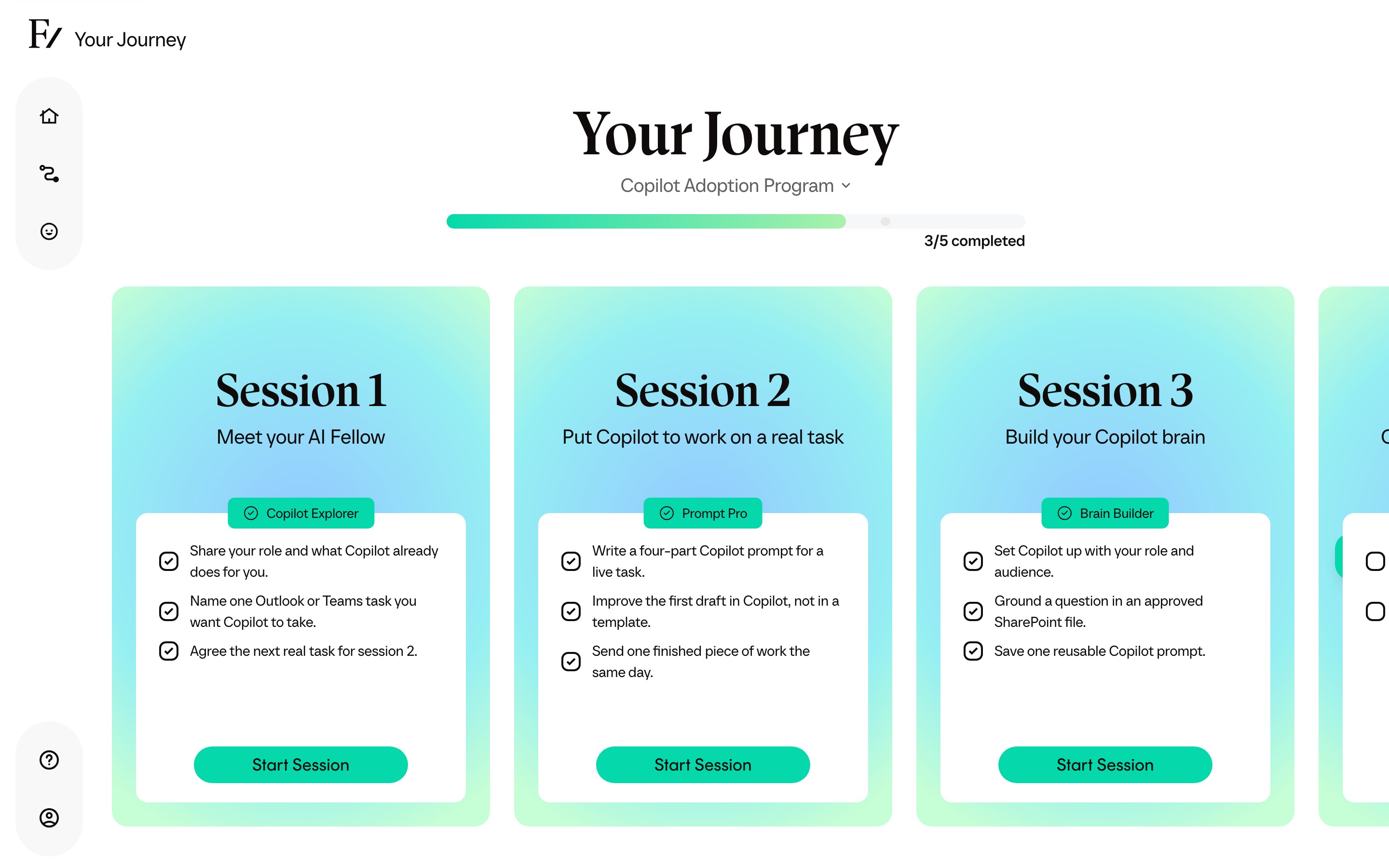
Employees work through live Fellow Sessions in order, with objectives tailored to their role. The AI Fellow records an assessment against each objective as it is completed.
The welcome session. The AI Fellow learns the learner’s role and typical tasks, then runs one small real win: a summary, a short draft, a quick brainstorm. It closes by agreeing the tedious task they want off their plate next time.
Copilot has to prove itself on the learner’s own job. They build a prompt from four parts — goal, context, expectations, source — improve it live rather than copy a template, and iterate on what comes back.
Copilot stops being generic. The learner adds context about their role and audience, brings in approved documents, and asks questions grounded in that material. Available features, including Notebooks, depend on their organization’s Copilot setup.
The habit session. They pick the recurring workflow where Copilot pays off most, run this week’s real instance of it grounded in their own material, and tie it to triggers already in their week.
The learner names what changed and what Copilot now does for them every week, then commits to one concrete way of bringing a colleague along: share the prompt, run a show-and-tell, or help one person to their first win.
So do sales, finance and customer success. Any role can have its own path, built on the work that role actually does.
Reporting
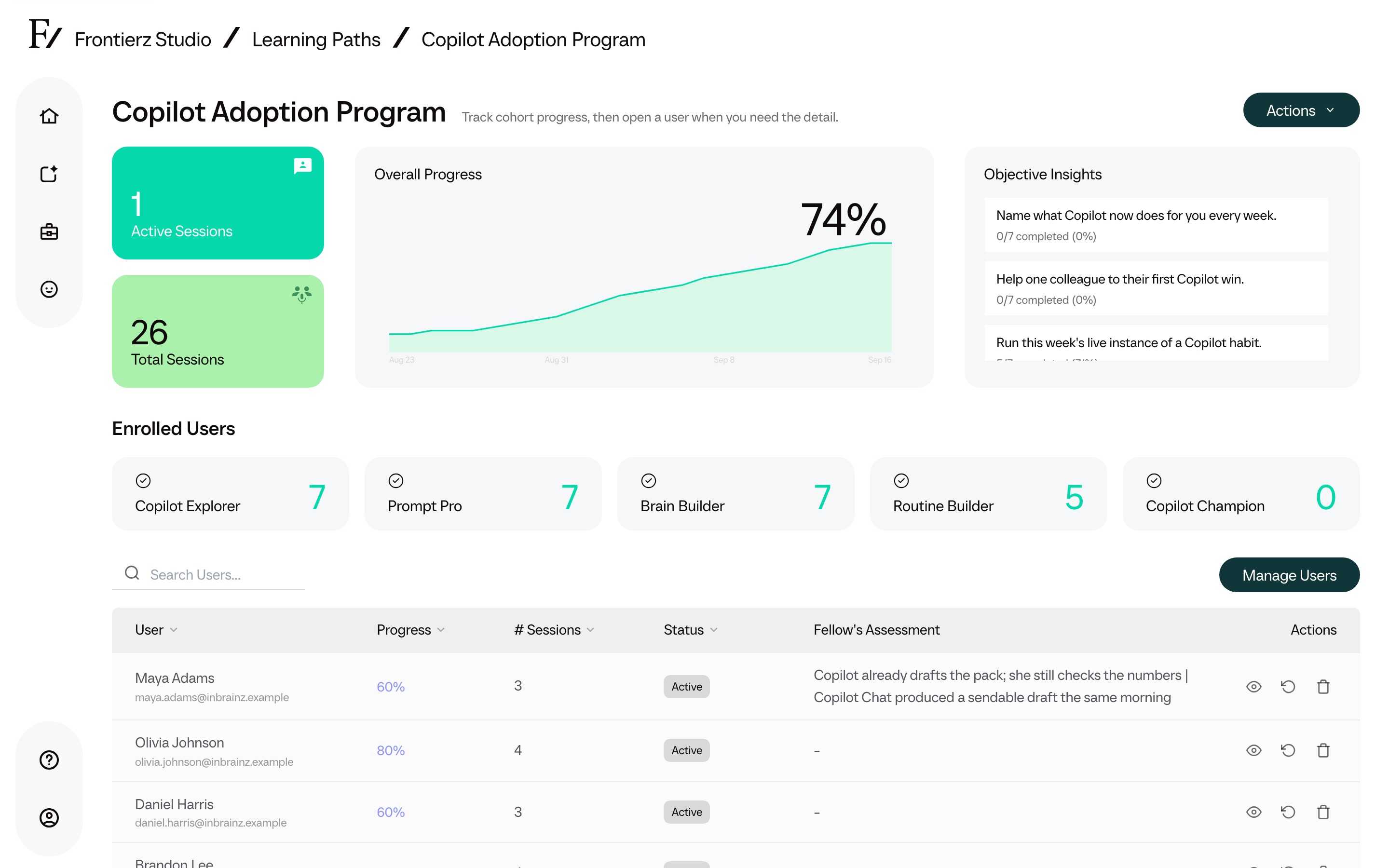
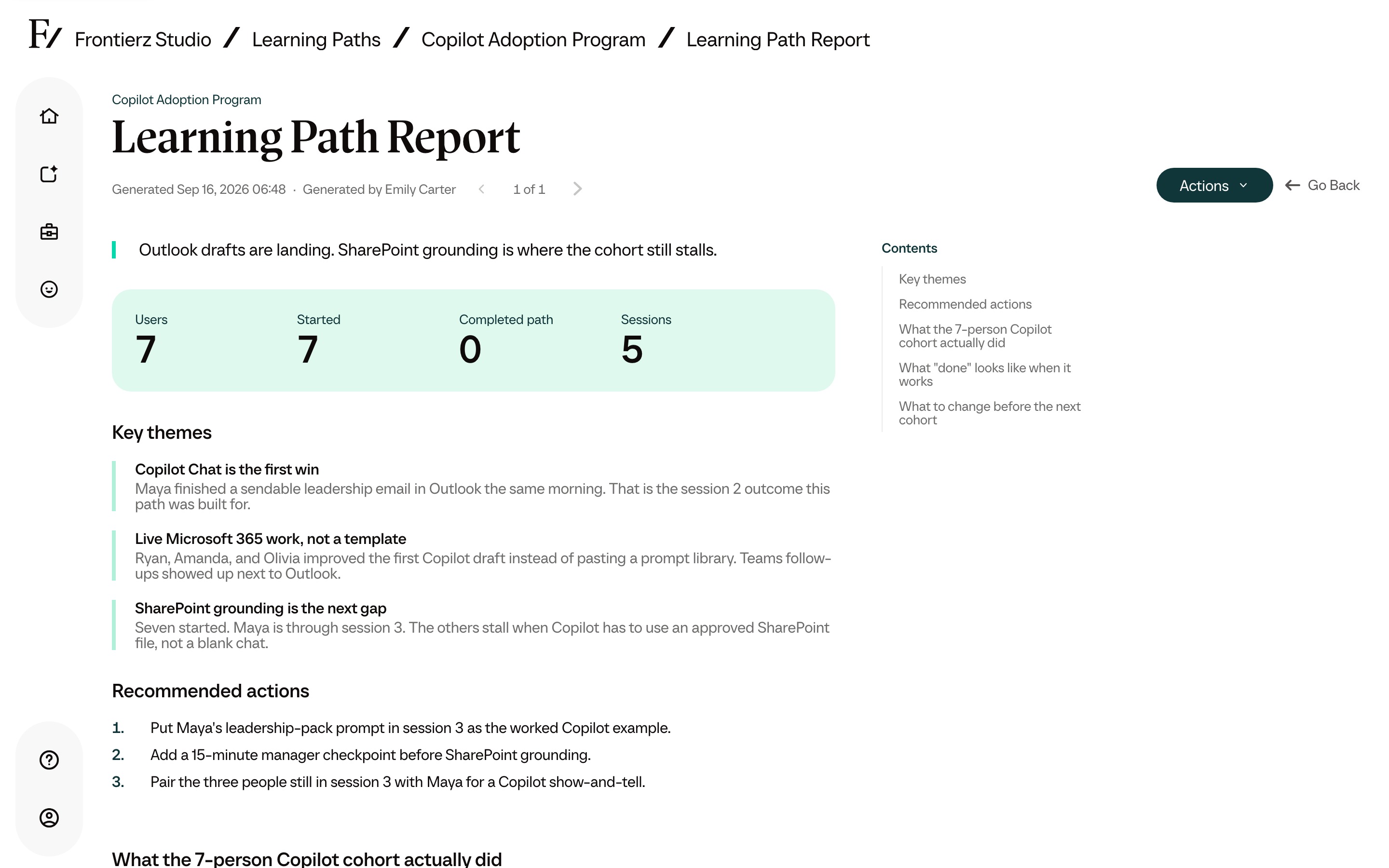
Review session progress, AI-written assessments and the use cases employees discuss. These learning records help L&D identify where teams need further practice.
One person’s record: sessions completed, the task they chose, and the AI Fellow’s assessment of the session objectives.
Program facts
Next step
Explore the learner experience and Studio reporting with your rollout in mind. Download the brochure to share the program with your team.